Admin & usage views
In Predict
Dashboard
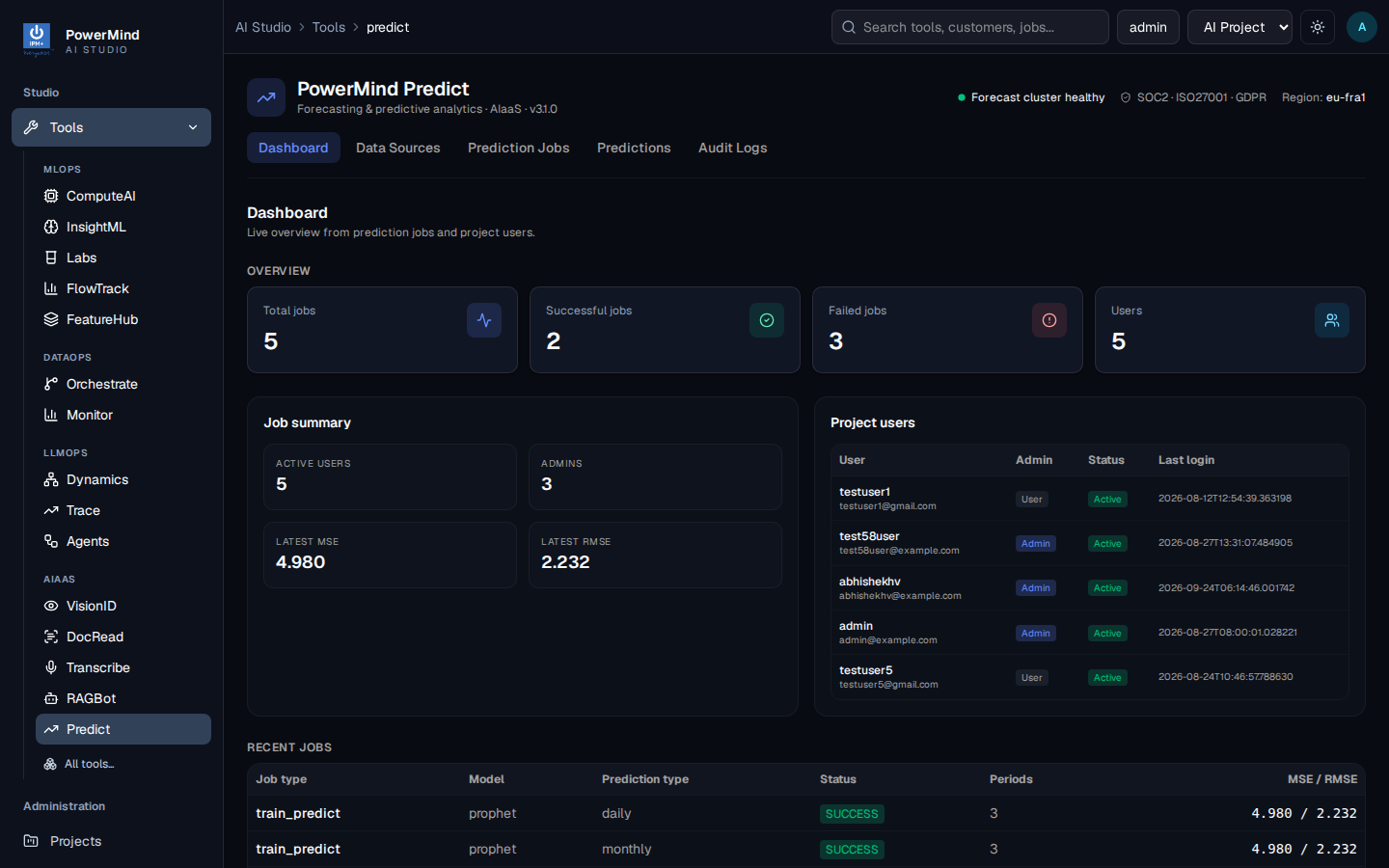
Use this to answer “how many jobs succeeded?” and “what is the latest RMSE?”.
- Overview cards: total / successful / failed jobs, users
- Latest MSE / RMSE
- Project users and recent jobs
Audit Logs
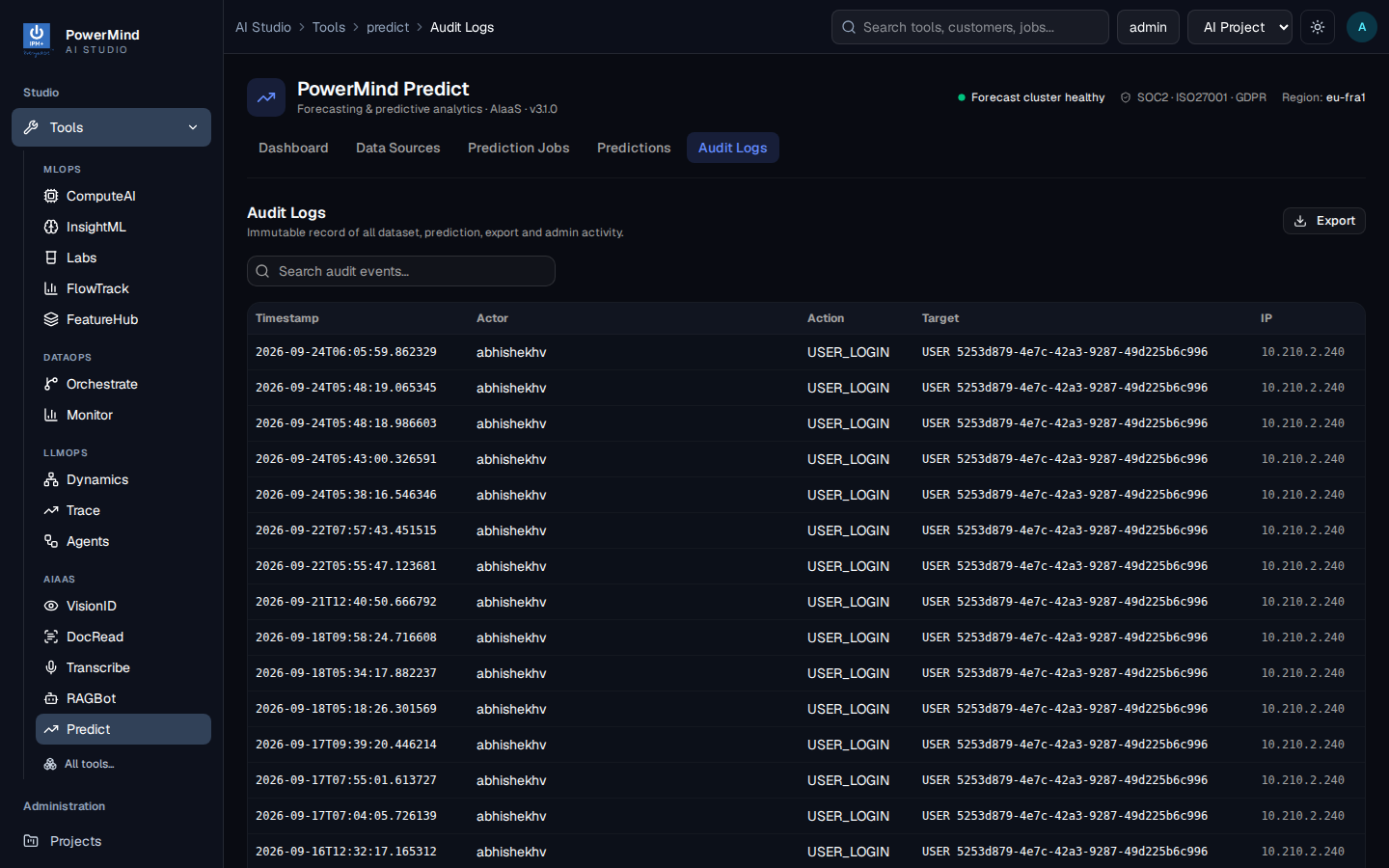
- Timestamp, actor, action, target, IP
- Search and Export
- Typical actions include login and prediction-related events
In Studio (left menu)
Administration on the marketplace: Projects, Users, Audit Logs, Login Logs (platform-wide). That is separate from the Predict Audit Logs tab.
Quotas (CSV size, storage, rate limit) are set per user by an admin via /api/v1/admin/users/{id}/limits or Studio user admin, depending on how your site is wired.
PowerMind manages platform authentication and service configuration. Contact PowerMind support for changes outside the client-administration interface.