REST API — for integrators
If you use the Studio UI, you can skip this page. The Studio already calls these APIs for you.
Base path: /api/v1. Send the access token supplied for your integration as Authorization: Bearer <token> unless an endpoint is documented as public. The interactive reference is available at /docs on your assigned Transcribe host.
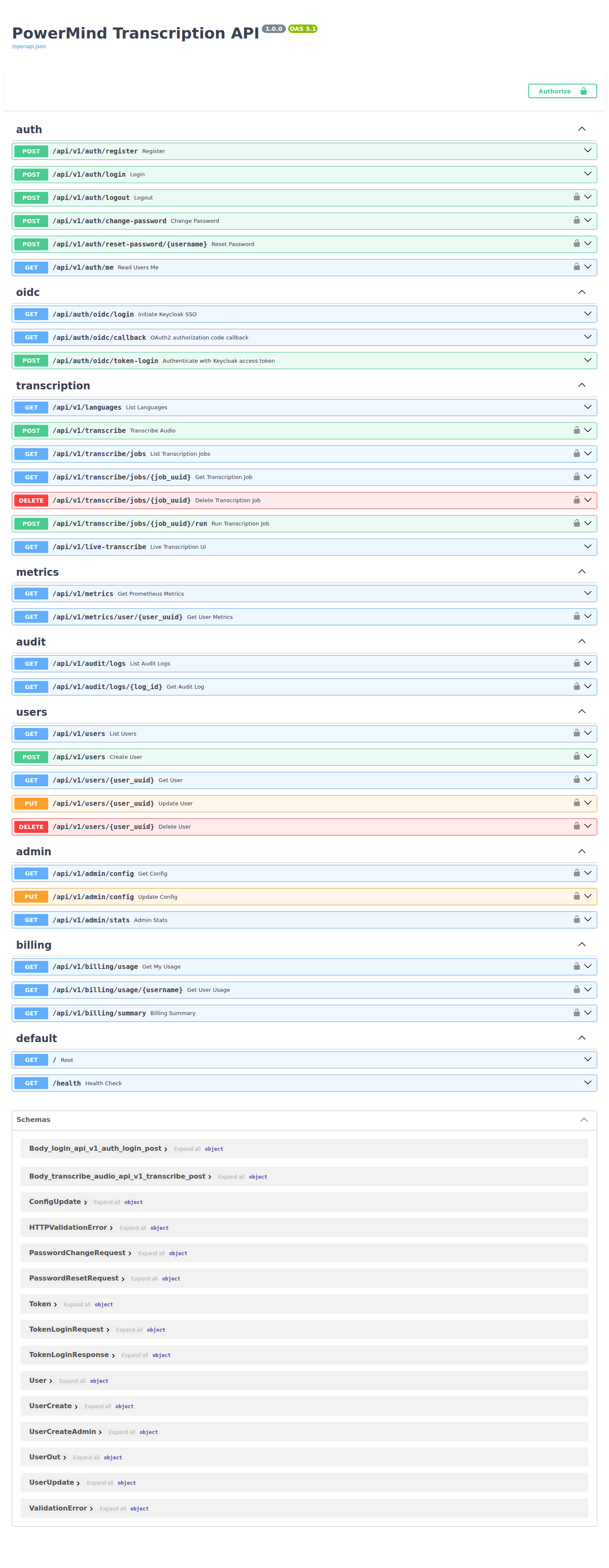
Typical user sequence
- Obtain an integration token from your PowerMind administrator and select Authorize.
POST /transcribe— multipartfile; optionalmodel,async_mode.GET /transcribe/jobs/{job_uuid}— poll if async.- Live UI: WebSocket
wss://<host>/api/v1/live-transcribe/<session-id>(client-made id; 16 kHz mono PCM int16).
Groups
| Area | Paths |
|---|---|
| Auth | /auth/register, /login, /logout, /me, /change-password, /reset-password/{username} |
| Transcription | /languages, /transcribe, /transcribe/jobs, /transcribe/jobs/{uuid}, /run, DELETE job |
| Live | GET /live-transcribe (demo page), WSS /live-transcribe/{session_id} |
| Users (admin) | /users, /users/{user_uuid} |
| Admin | /admin/config, /admin/stats |
| Audit / billing | /audit/logs, /billing/usage, /billing/summary |
| Health | /, /health |
Locks on Swagger rows mean you must Authorize first. Languages and live WebSocket do not require a token.