Admin & project views
In Studio (left menu)
Administration on the marketplace: Projects, Users, Audit Logs, Login Logs, Settings. That is platform-wide, not the AI Flow Settings tab on a single flow.
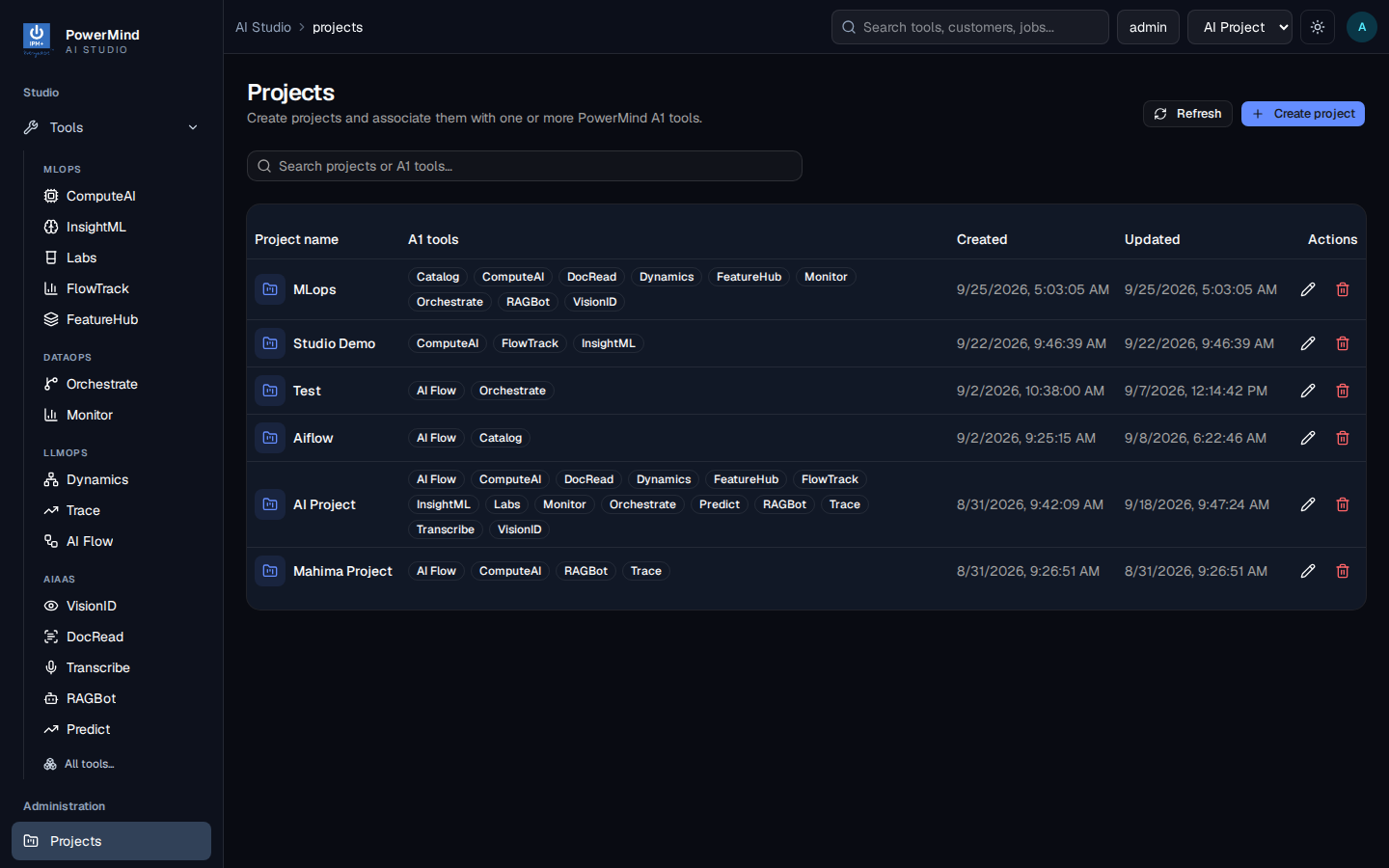
Each project lists which AI tools are attached. AI Project typically includes AI Flow plus Dynamics, Trace, RAGBot, and others. If AI Flow is missing on a project, ask an admin to attach the tool — Launch will stay unavailable.
In AI Flow
Flow list metrics
Total / editable / shared / native counts help you see whether the project already has working graphs.
Flow Settings tab
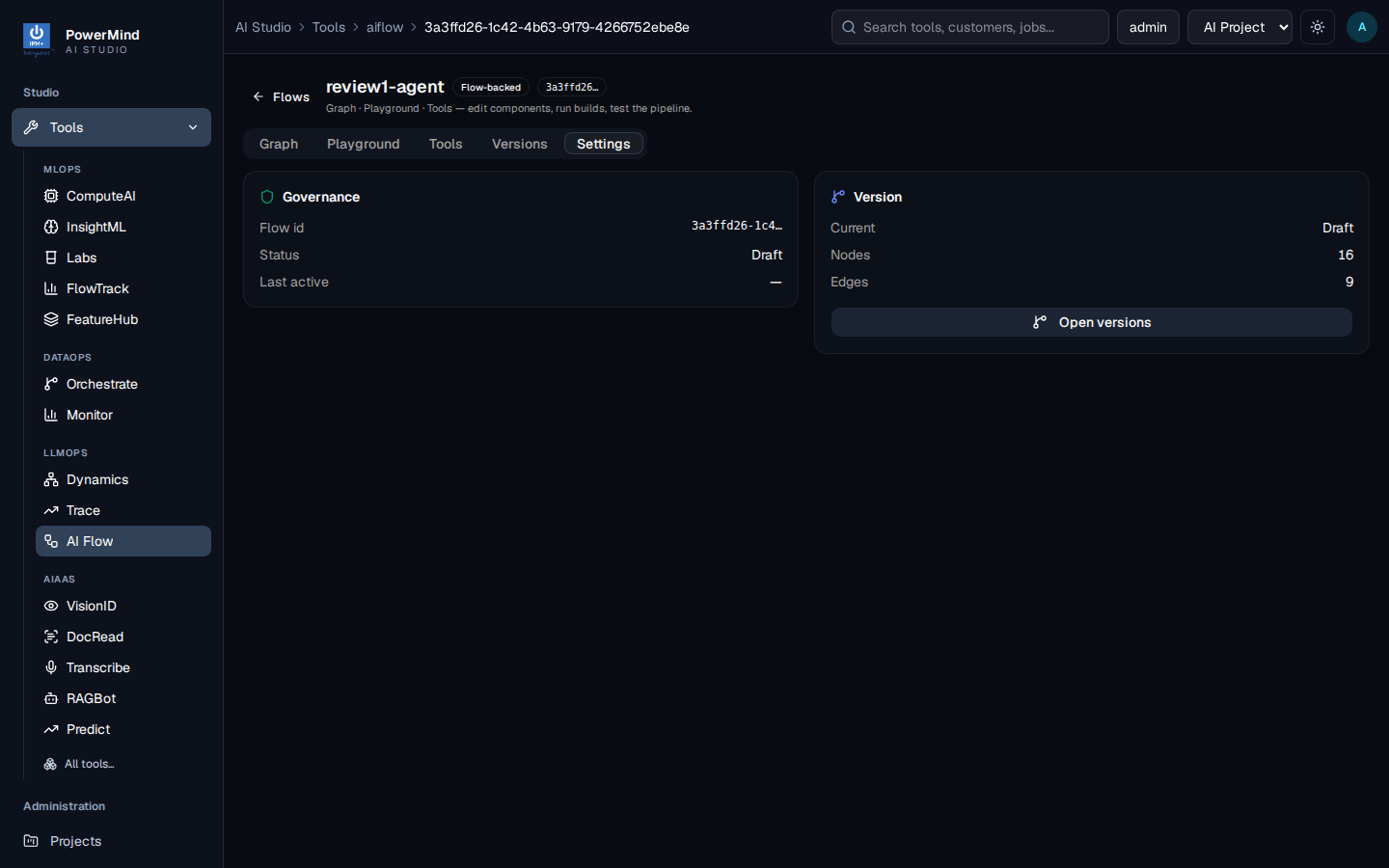
Governance: flow id, status (Draft), last active. Version card: current = Draft, node and edge counts, Open versions.
Access
Private flows are for the owner/project. Shared appears on the list with a Shared badge (example: rag-flow).